Since this question gets asked so often, I thought that I would post up some instructions for creating a multi-club competition using the provided league-pack images.
Open Dicentra and create a new competition from the menu.
You’ll need to set up with the following general format. Fill in your club’s date of competition etc.
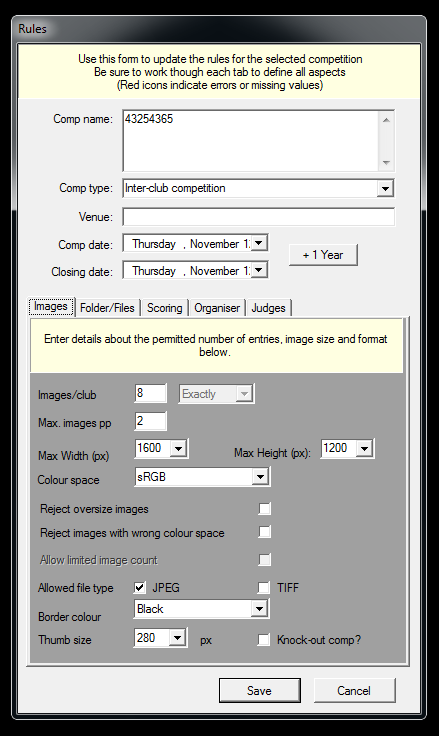
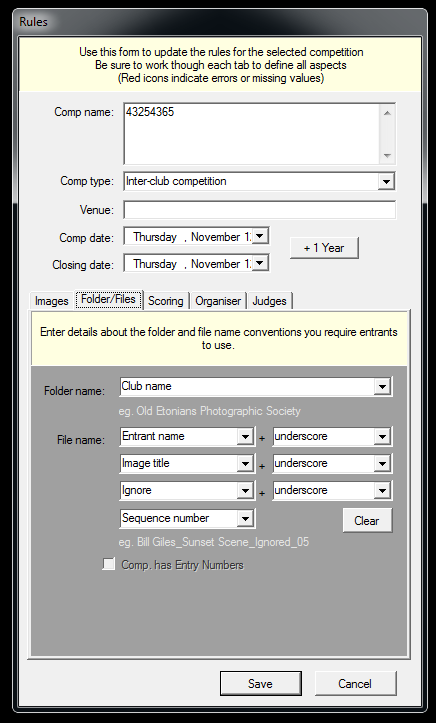
This is the key bit to using the images ‘as provided’.
Extract the zip file for your league into any location (note it, I’d suggest the Desktop).
Here’s the correct import settings
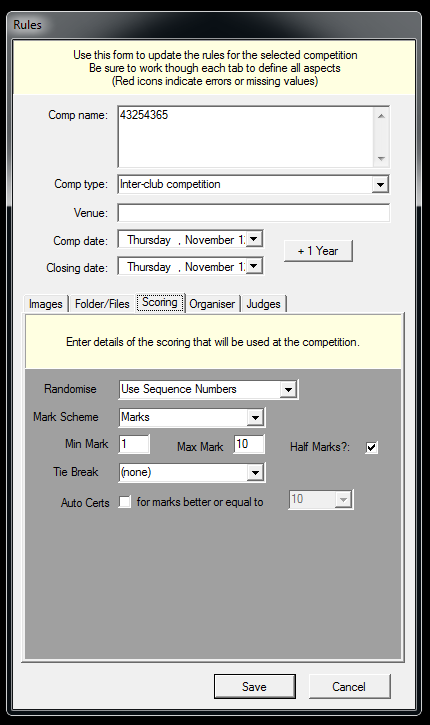
You can chose to ignore the ordering tab, and select ‘randomise every round’ or use the sequence numbers provided. Your choice at this point.
When you normally import the files into DiCentra, simply point it at the top folder extracted from the zip file.
DiCentra will ask if sub-folders are Club Folders, say ‘Yes’ and let it Import the images.
Complete the set-up as normal.
Run the competition.
When running the competition, score as normal, half marks using the / key, H for Hold, I for Interval etc.
Showing the club name and image number after scoring is done by pressing the \ key.
Exporting images for your appraiser in sequence order cn be achieved from DiCentra from the main screen. Click ‘Extract Images’
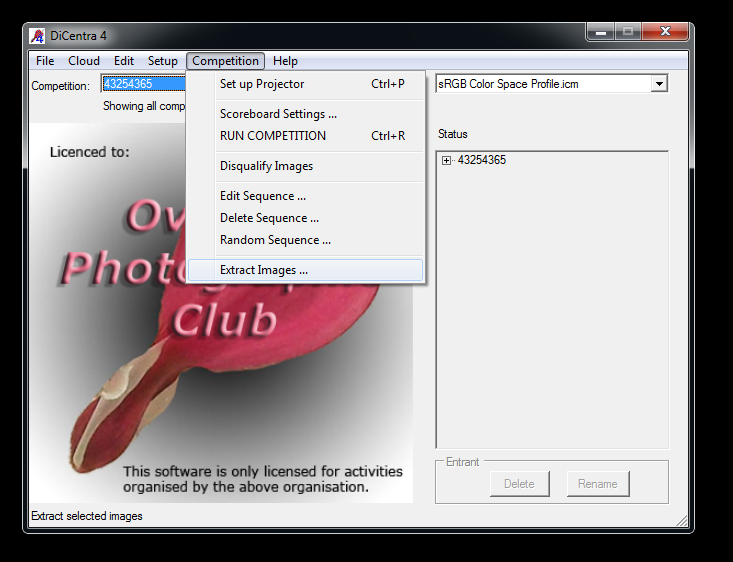
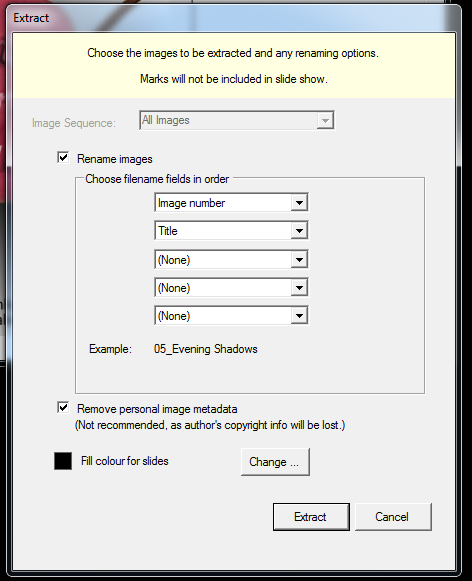
and from the next modal screen, use the following options